
Slow WiFi at Home These Common Mistakes Could Be Reducing Your Internet Speed
Slow WiFi is not always caused by your internet provider, as router placement, too many connected devices and outdated software can reduce network performance.
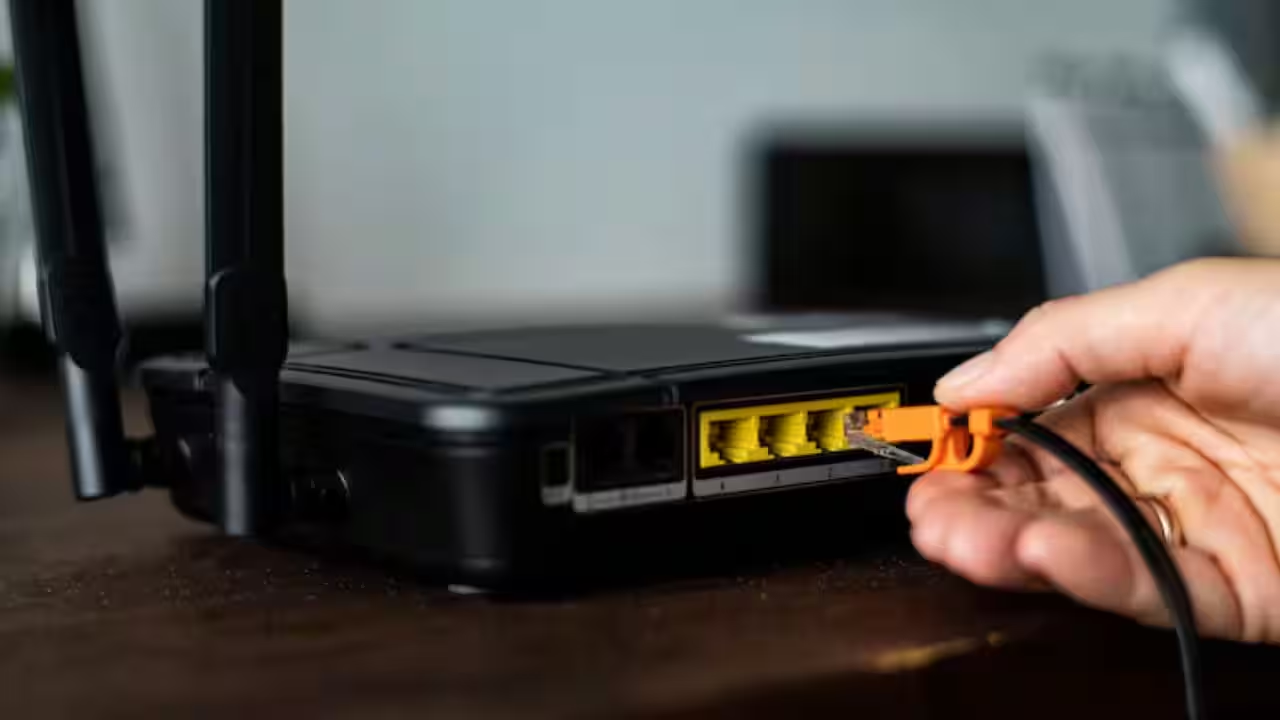
A slow WiFi connection does not always mean there is a problem with your internet service provider. In many cases, everyday mistakes at home can reduce network performance and make browsing, streaming and video calls feel frustratingly slow. A few simple changes can often improve WiFi speed without requiring a new internet plan.
One of the most common reasons behind weak WiFi performance is the location of the router. If it is placed inside a cabinet, hidden in a corner or positioned behind thick walls, the wireless signal may struggle to reach every room. Keeping the router in a central and open area of the house allows the signal to spread more evenly, improving connectivity across different spaces.
Another factor that can slow down the network is the number of devices connected at the same time. Smartphones, laptops, smart televisions, tablets and gaming consoles all compete for the available bandwidth. If one device is downloading large files or streaming high resolution videos, the internet speed experienced by other users on the same network may decrease noticeably.
Restarting the router regularly is another simple step that many people overlook. A router that runs continuously for several days or weeks can develop temporary performance issues, leading to slower speeds or unstable connections. Turning the router off for a short time and restarting it can refresh the network and resolve many common connectivity problems.
Keeping the router software updated is equally important. Manufacturers frequently release firmware updates to improve security, stability and overall network performance. Installing these updates ensures the router operates efficiently and benefits from the latest optimizations provided by the manufacturer.
Electronic devices placed close to the router can also interfere with wireless signals. Appliances such as microwave ovens, Bluetooth accessories, wireless speakers and other electronic equipment may disrupt WiFi performance, resulting in slower speeds or frequent connection drops. Positioning the router away from such devices can help maintain a stronger and more stable signal.
Modern homes often rely on WiFi for work, online learning, entertainment and smart home devices, making a stable connection more important than ever. Before blaming the internet provider for slow speeds, it is worth checking these common issues. Small adjustments in router placement, device management, software updates and reducing signal interference can significantly improve the overall internet experience without any additional cost.