
Can Charging Your Phone With a Laptop Cause Problems Here Is What You Should Know
Millions rely on laptops to charge their phones every day but while it is mostly safe hidden data security risks and slower charging speeds are often overlooked
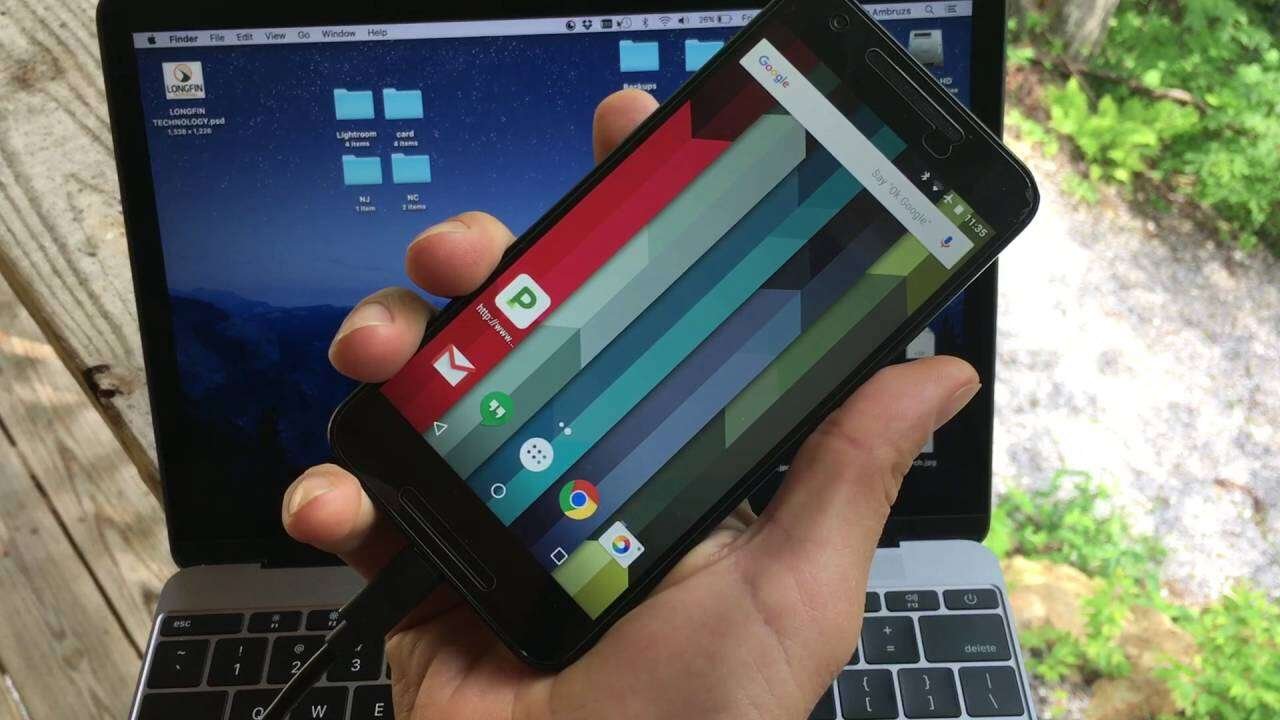
Many smartphone users turn to their laptops for charging when a wall charger or power bank is not available. It is a convenient option during office hours, travel, or emergencies. While this method is widely used, many people still wonder whether charging a phone through a laptop can damage the battery or create hidden risks. According to technology experts, the answer depends more on how and where you charge than on the laptop itself.
Modern laptops have become an essential part of daily life for work, online learning, entertainment, and communication. As a result, connecting a phone to a laptop through a USB cable has become a common habit. In most cases, this method is considered safe if the laptop is functioning properly and the USB cable is of good quality. However, users should understand that charging speeds are usually much slower than with a standard wall charger because laptop USB ports provide lower power output.
Battery health is one of the biggest concerns for smartphone owners. Fortunately, most modern smartphones include built in safety features that protect the battery from overcharging and excessive current. These protections help prevent damage during normal charging sessions, including when power is supplied through a laptop. Under regular conditions, charging from a laptop is unlikely to reduce battery life or cause serious harm.
The bigger concern is not the battery but the security of your personal information. A USB connection can transfer both electricity and data. If you connect your phone to an unfamiliar computer or a public system, there is a possibility that your files or personal information could become accessible if data transfer is enabled. To stay safe, users should connect their phones only to trusted laptops and always choose the Charge Only option whenever the device prompts for a connection mode.
Another common complaint is slow charging. This usually happens because many laptops still use USB ports that deliver limited power compared with dedicated fast chargers. Charging can become even slower if an older USB port is being used, the cable is of poor quality, the phone does not support fast charging, or the device is actively being used while it is plugged in.
Using a reliable charging cable also makes a noticeable difference. Original or certified quality cables ensure a stable power supply and reduce the chances of charging interruptions. If a laptop is overheating or its USB port feels loose or damaged, it is better to avoid charging the phone until the issue is resolved.
For users who need a quick battery boost, a genuine wall charger remains the fastest and most efficient solution. Laptop charging should be viewed as a backup option for situations where no other charging method is available. While it is generally safe, following basic precautions can protect both your smartphone and your personal data, making the charging experience more secure and reliable.