
How to Start Secret Conversation on Facebook Messenger and Keep Chats Fully Private
Facebook Messenger offers an encrypted secret conversation feature that allows users to chat privately with disappearing messages ensuring only sender and receiver can view content on supported mobile devices
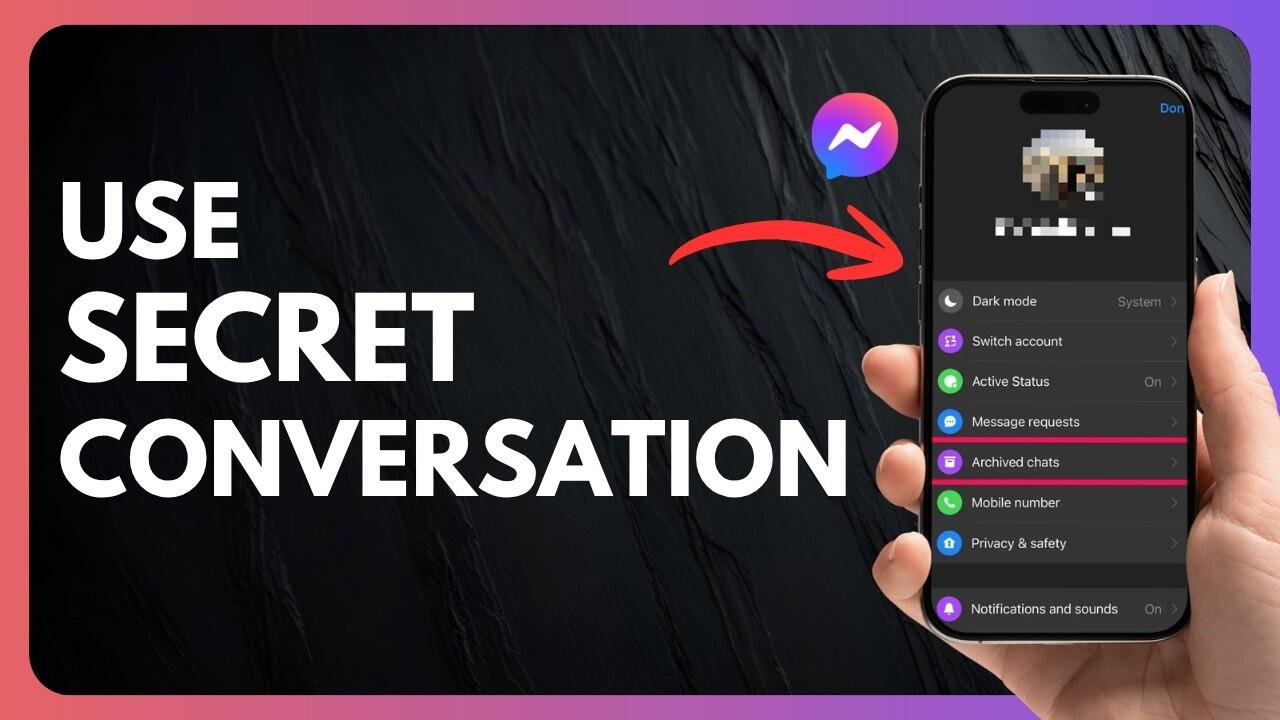
Facebook continues to upgrade its messaging platform with features designed to improve privacy and user control. One such feature is Secret Conversation on Messenger, which allows users to have highly secure chats that remain visible only to the two people involved. This feature is part of Meta’s effort to give users more control over personal communication.
Unlike regular chats, Secret Conversations on Messenger are protected with end to end encryption. This means messages are locked in a way that only the sender and receiver can read them. Even Facebook itself cannot access the content of these chats. Users also get a device key that helps verify whether the conversation is properly encrypted for added security reassurance.
This feature is currently available only on the Messenger mobile app for Android and iOS users. It does not appear on the desktop version or on Facebook web chat. Another important point is that Secret Conversations are device specific, meaning they will only show up on the device where the chat was started and the device where the receiver opens it.
Users also have the option to set a timer for messages, allowing texts to disappear automatically after a chosen duration. However, it is important to remember that while messages are encrypted, the other person can still take screenshots or share the conversation manually, so complete control over content sharing is not possible.
To start a Secret Conversation on Facebook Messenger, users need to open the app and tap on the home icon. From there, selecting the plus icon opens the option to begin a new chat. In the top right corner, a lock symbol appears which indicates the Secret Conversation mode. After tapping it, users can choose the contact they want to message privately.
Once the chat begins, a clock icon inside the text box allows users to set a disappearing timer for messages. This simple step ensures added privacy for conversations that users do not want to remain permanently visible, making Messenger a more secure space for sensitive communication.