Samsung One UI 9 Rollout Begins With New AI Features
Samsung has started rolling out One UI 9 globally, bringing Android 17, enhanced Galaxy AI, privacy tools, smarter summaries, video features and device care options to Galaxy users across supported devices.
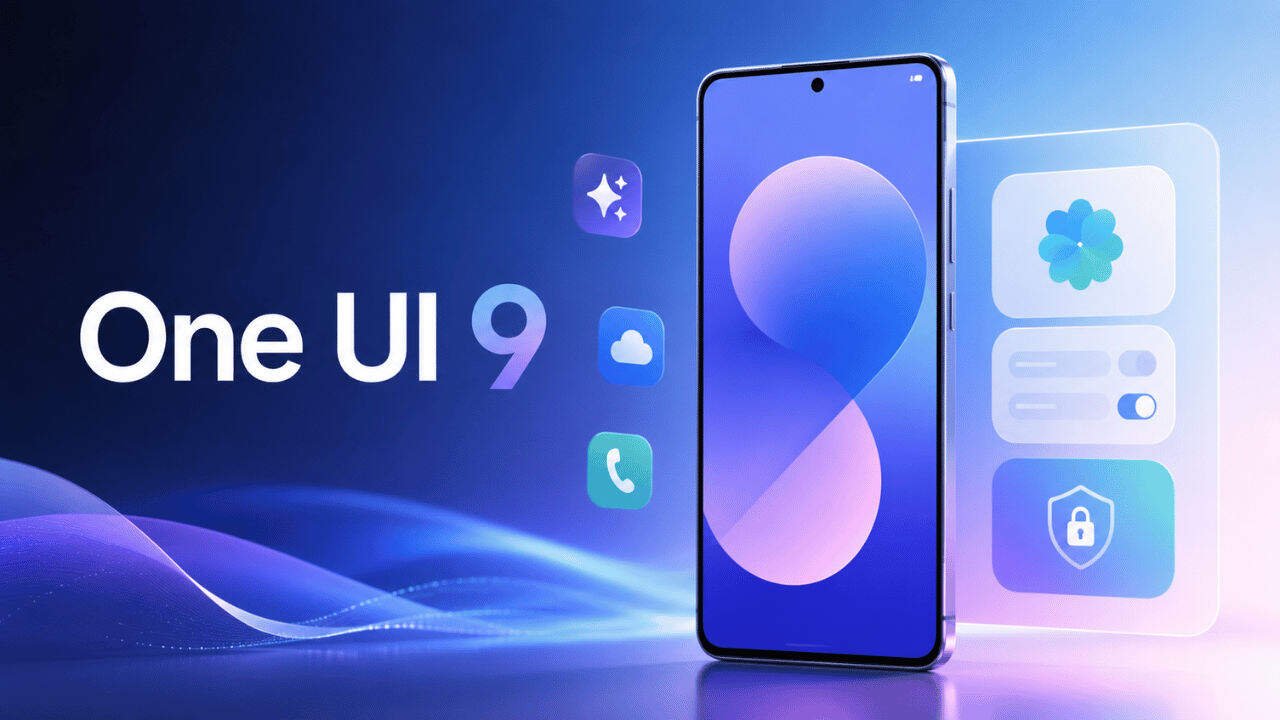
Samsung has officially started expanding One UI 9 to more Galaxy devices, bringing a new set of AI powered tools and everyday improvements to compatible smartphones and tablets. The update began rolling out on September 16, with the Galaxy S26, Galaxy S26 Plus and Galaxy S26 Ultra among the first devices receiving the new software.
The latest software is based on Android 17 and builds further on Samsung’s Galaxy AI experience. Rather than focusing only on visual changes, One UI 9 adds features designed to make video recording, daily information, device maintenance and privacy management easier.
Samsung had already introduced One UI 9 with the Galaxy Z Fold8 Ultra, Galaxy Z Fold8 and Galaxy Z Flip8. The company is now gradually extending the software to additional Galaxy products. The rollout schedule can differ depending on the model, market and other regional factors, so compatible devices may not receive the update at the same time.
One of the more noticeable additions is My FanCam. The feature can automatically follow a selected person while recording video and keep that person near the centre of the frame. Samsung says it can also intelligently reframe footage as the scene changes, reducing the need for manual editing afterwards.
Now Brief is also receiving a more flexible experience. Samsung has introduced Generative and Editable Cards that allow users to choose the information they want to see in their daily summaries. Cards can cover areas such as health, weather and video, allowing the briefing to be adjusted around individual needs.
Another useful addition is Now Nudge. It is designed to provide context aware suggestions while users are carrying out everyday tasks. For example, when someone is making plans through a supported messaging service, the feature can surface relevant reservation information or help save a shared location without requiring the user to leave the conversation.
Privacy has received attention as well. One UI 9 introduces Privacy Alerts, which use on device AI to identify potential privacy risks. Samsung says the feature can highlight situations such as unnecessary attempts to access permissions in the background, giving users more visibility into how their information is being accessed.
Samsung has also added Security Brief to help users keep track of important security information. It can bring alerts involving malware, applications from unknown sources and unnecessary permissions into Now Brief, making potential issues easier to notice.
Device maintenance has been brought closer to the main Settings experience through the new Warranty and Care section. Users can check warranty information, run self diagnostics, view repair estimates where supported and manage Samsung Care Plus or arrange service appointments. The exact options can vary by region and device.
One UI 9 is not limited to AI and privacy improvements. Samsung has also upgraded several everyday tools. Interpreter receives a Thread View to make translated conversations easier to follow, while Conversation Mode gets faster translation. Document Scan has been improved to handle difficult materials such as curved pages and folded corners with less manual adjustment.
Voice Recorder has also received an update. Recorded content can now be presented in a clearer summary format using elements such as headings and tables, making longer recordings easier to review.
Creative Studio is another part of the updated Galaxy experience. Samsung says it can suggest image generation ideas based on upcoming events, giving users prompts that can be used to create themed images or greetings.
The rollout is being handled in stages rather than reaching every Galaxy device simultaneously. Samsung has confirmed that the update will gradually expand to additional compatible devices following the initial rollout. Some features also require a Samsung Account, while availability can differ according to country, language, model and application support.
Galaxy S26 users who have not yet received the update can check manually through the phone settings. Open Settings, select Software update and then choose Download and install. If the update has been released for that particular device and region, it should appear there.
With One UI 9, Samsung is putting more emphasis on AI that works in the background and provides assistance based on what users are doing. The combination of My FanCam, Now Brief, Now Nudge, Privacy Alerts and Warranty and Care gives the software a broader focus than a simple interface update.
The rollout will continue across supported Galaxy devices, although the exact timing will depend on Samsung’s regional release schedule. Users should therefore check their device periodically rather than expecting every compatible phone to receive One UI 9 on the same day.