
How to Update Your Mobile Number in Driving Licence Online Without Visiting an RTO
Keeping your Driving Licence linked with an active mobile number ensures uninterrupted access to online services OTP verification renewal updates and important transport department notifications without delays.
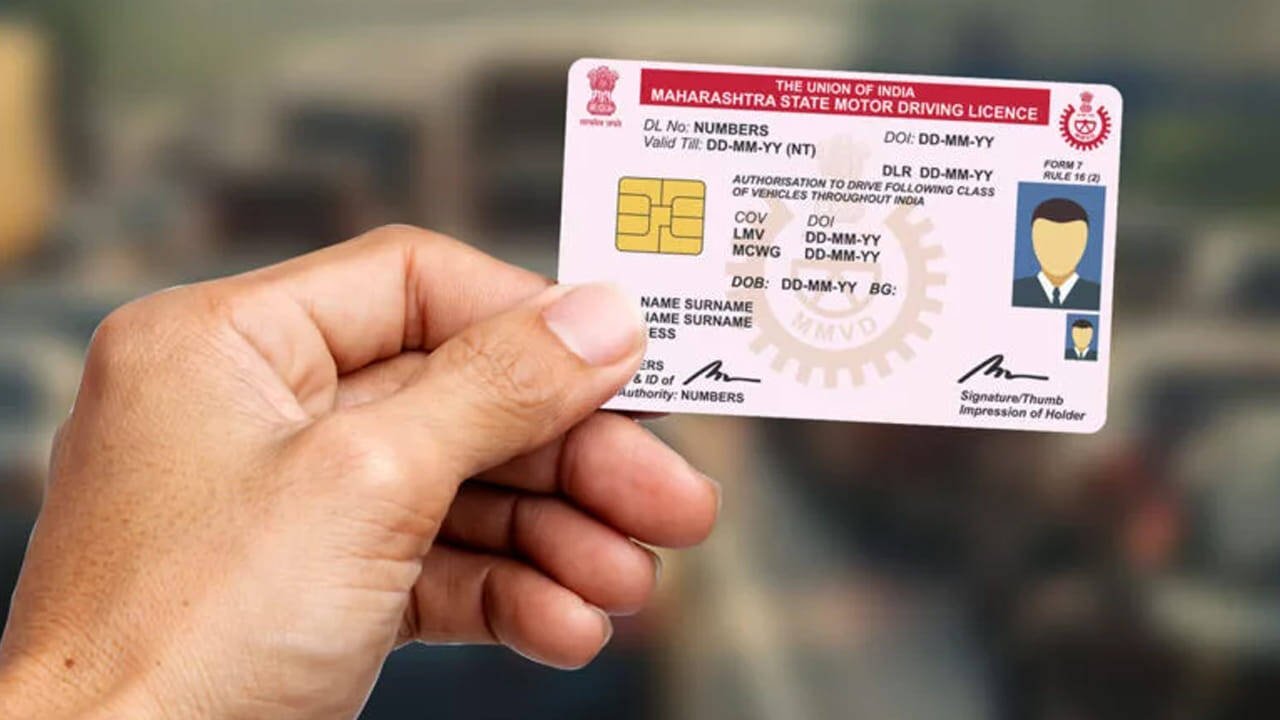
An active mobile number linked to your Driving Licence has become essential as more transport related services move online. Whether you want to renew your licence, apply for a duplicate copy, update your address, or access other digital services, a valid registered mobile number is now a key requirement. If your licence is still linked to an old or inactive number, updating it should be a priority to avoid unnecessary complications.
Many services provided by transport authorities rely on one time password verification. Whenever you submit an online request related to your Driving Licence, an OTP is sent to the registered mobile number for authentication. If the number is no longer active, completing these processes can become difficult and may delay important applications.
Another important reason to keep your mobile number updated is to receive timely notifications from the transport department. Information related to licence services, application status, renewal reminders, and electronic traffic challans is often shared through SMS. Missing these alerts could result in unnecessary inconvenience or delays in responding to official notices.
Vehicle owners who have recently changed their mobile number should update their Driving Licence records as soon as possible. The process can be completed online through the Parivahan Sewa portal, allowing users to avoid unnecessary visits to Regional Transport Offices in many cases.
To begin the process, visit the official Parivahan Sewa portal and select the Driving Licence related services option from the homepage. The next step is to choose the state where your Driving Licence was originally issued. Since transport services are managed by individual state authorities, the available options may vary slightly depending on the issuing state.
After selecting the appropriate state, locate the option to update the registered mobile number or the equivalent service provided by the state transport department. Users will then be required to enter details such as their Driving Licence number, date of birth, and other requested information to verify their identity.
Once the identity verification is complete, enter the new mobile number that you wish to link with your licence. An OTP will be sent to that number for confirmation. After successfully completing the verification process, review all the information carefully before submitting the application.
While the online process is straightforward, users should keep a few documents ready before starting. These may include the Driving Licence itself, an identity document such as Aadhaar or another accepted proof of identity, and access to the new mobile number for OTP verification. In situations where an offline application is required, an application form may also need to be submitted.
Keeping your contact details updated offers several advantages beyond simple communication. It ensures smooth access to digital licence services, prevents interruptions during verification, and allows you to receive official updates without depending on outdated information. As government services continue to become more digital, maintaining accurate personal details has become increasingly important.
Updating the registered mobile number in your Driving Licence takes only a few minutes but can save considerable time when accessing online services in the future. Completing this simple step today can help avoid delays in renewals, licence modifications, verification requests, and important transport related notifications.