
How to Download a Lost Blue Aadhaar Online for Your Child Without Visiting an Aadhaar Centre
Parents can easily download a duplicate Blue Aadhaar online using the UIDAI portal or mAadhaar app with Aadhaar details or a registered mobile number in just minutes.
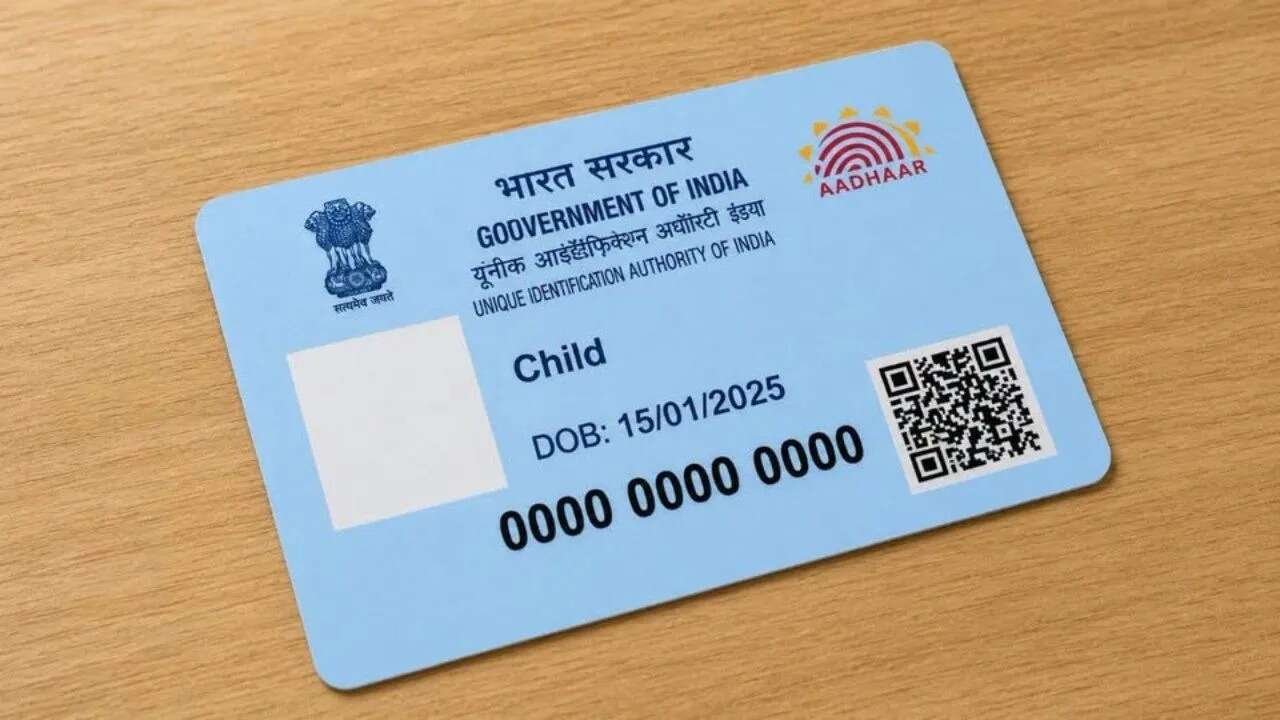
Blue Aadhaar has become an essential identity document for children in India. From school admissions and bank account opening to government welfare schemes and passport applications, parents are often required to submit their child’s Aadhaar details. If the Blue Aadhaar card is misplaced or cannot be found when needed, there is no need to panic. A duplicate digital copy can be downloaded online in a few simple steps without visiting an Aadhaar enrolment centre.
Many parents worry that losing the physical card could delay important tasks such as school admissions. However, the digital version of Aadhaar carries the same validity as the printed copy and can be downloaded instantly if the Aadhaar number, Enrollment ID, or registered mobile number is available.
Blue Aadhaar, also known as Baal Aadhaar, is issued to children below the age of five. Since young children continue to grow, their fingerprints and iris details are not collected at the time of enrolment. Biometric information must be updated once the child turns five and again after reaching the age of fifteen to keep the Aadhaar record complete.
One of the easiest ways to recover the document is through the UIDAI online portal. Parents need to visit the myAadhaar portal and choose the Aadhaar download option. They can enter the child’s Aadhaar Number, Enrollment ID, or Virtual ID along with the captcha code. After verifying the one time password received on the registered mobile number, the e Aadhaar PDF becomes available for download. This digital copy can be printed and used wherever Aadhaar is required.
Another convenient option is the mAadhaar mobile application. After downloading the app from the official app store, parents can sign in and add their child’s Aadhaar profile. Once the OTP verification process is completed, the digital Aadhaar remains securely stored on the phone. It can be viewed or downloaded whenever required, making it easier to access important documents while travelling or during emergencies.
The downloaded Aadhaar PDF is protected with a password for security. The password consists of the first four letters of the child’s name written in capital letters followed by the birth year. For example, if the child’s name is Rohan and the birth year is 2022, the password will be ROHA2022.
There are situations where parents may not remember the Aadhaar Number or Enrollment ID. In such cases, UIDAI provides a Retrieve Lost UID or EID facility. By entering the child’s name along with the registered mobile number or email address and completing OTP verification, the Aadhaar Number or Enrollment ID can be recovered. After receiving these details, parents can proceed to download the e Aadhaar without difficulty.
Blue Aadhaar is now required for several important services. Educational institutions often ask for it during admissions, while government scholarship programs, Sukanya Samriddhi accounts, health schemes such as Ayushman Bharat, passport applications, and banking services also rely on Aadhaar identification. Keeping a digital copy safely stored can help parents avoid last minute stress and ensure that essential services are not delayed.
With these online options, recovering a lost Blue Aadhaar has become quick and straightforward. Parents can access the document from home within minutes, ensuring that their child’s important paperwork is always available whenever needed.