Android 17 Makes Switching From iPhone Faster With Built In Data Transfer
Google has introduced a built in migration system in Android 17 allowing iPhone users to transfer passwords photos messages eSIM settings and more without installing any additional application easily
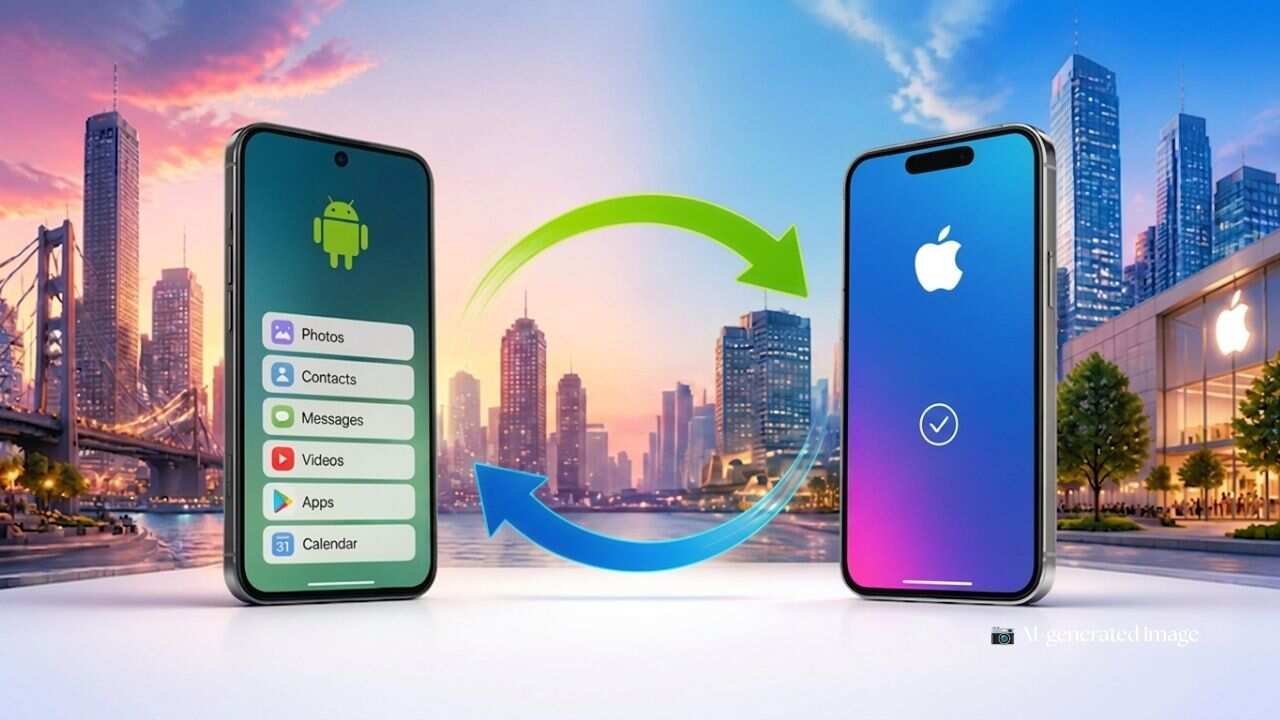
Google is making it much easier for iPhone users to move to Android with the launch of Android 17. The latest operating system introduces a built in migration system that eliminates the need to install a separate data transfer application. The new feature is designed to simplify the entire switching process while allowing users to bring almost all of their important information to a new Android device.
Unlike the earlier method, where users had to rely on an external application to transfer their data, Android 17 now includes the migration tool as part of the operating system itself. This creates a smoother setup experience and reduces the number of steps required when moving from an iPhone to an Android smartphone.
The upgraded migration system is capable of transferring much more than just photos and contacts. Users can move videos, messages, calendars, Google account details, saved passwords, WiFi credentials and even eSIM information directly to their new Android device. This means users can continue using their new phone with many of their previous settings already in place.
Google has already started rolling out this feature to selected Pixel smartphones. The company has also included the new migration experience on Samsung’s latest Galaxy Z Flip 8 and Galaxy Z Fold 8 devices. Google has confirmed that support will gradually expand to additional Android smartphones in the future, although it has not announced an exact rollout schedule.
Setting up the transfer is designed to be simple and wireless. During the initial setup of a new Android phone, users can choose the option to copy data from an iPhone or iPad. The Android device then generates a QR code that can be scanned using the iPhone. Once the code is scanned, both devices connect wirelessly, allowing users to select exactly which data they want to transfer.
Google recommends keeping both devices connected throughout the migration process to avoid interruptions. The company also advises users to ensure that the iPhone remains connected to WiFi, both phones have sufficient battery power and the new Android device has enough available storage before beginning the transfer.
If a QR code cannot be used, users may still complete the setup through other supported methods. Depending on the mobile carrier and SIM type, an eSIM can be downloaded again on the new device if required. This provides additional flexibility for users changing smartphones.
The migration process also supports popular communication services. After the initial setup, users are given the option to transfer their WhatsApp chat history to the new Android device. Google also provides guidance for moving from iMessage to Google Messages and for transferring photos and videos stored in iCloud to Google Photos.
With Android 17, Google is focusing on making the transition between mobile platforms far less complicated. By integrating the migration tool directly into the operating system and expanding the range of transferable data, the company aims to remove one of the biggest obstacles for users considering a switch from iPhone to Android. The new experience promises a faster, more convenient and more complete migration process than ever before.